How to Download TikTok Videos
You found a TikTok you want to keep. Maybe it is a recipe, a workout, or a clip from a friend. The simplest way to save it depends on what the video allows and which device you use.
This guide covers the main options: the built-in Save button, a browser-based tool, MP4 files, quality, phones, and links. It also explains watermarks, why some downloads fail, and how to use saved videos responsibly.
Can You Download TikTok Videos?
Yes, in many cases. A public TikTok video can often be saved for personal or permitted use.
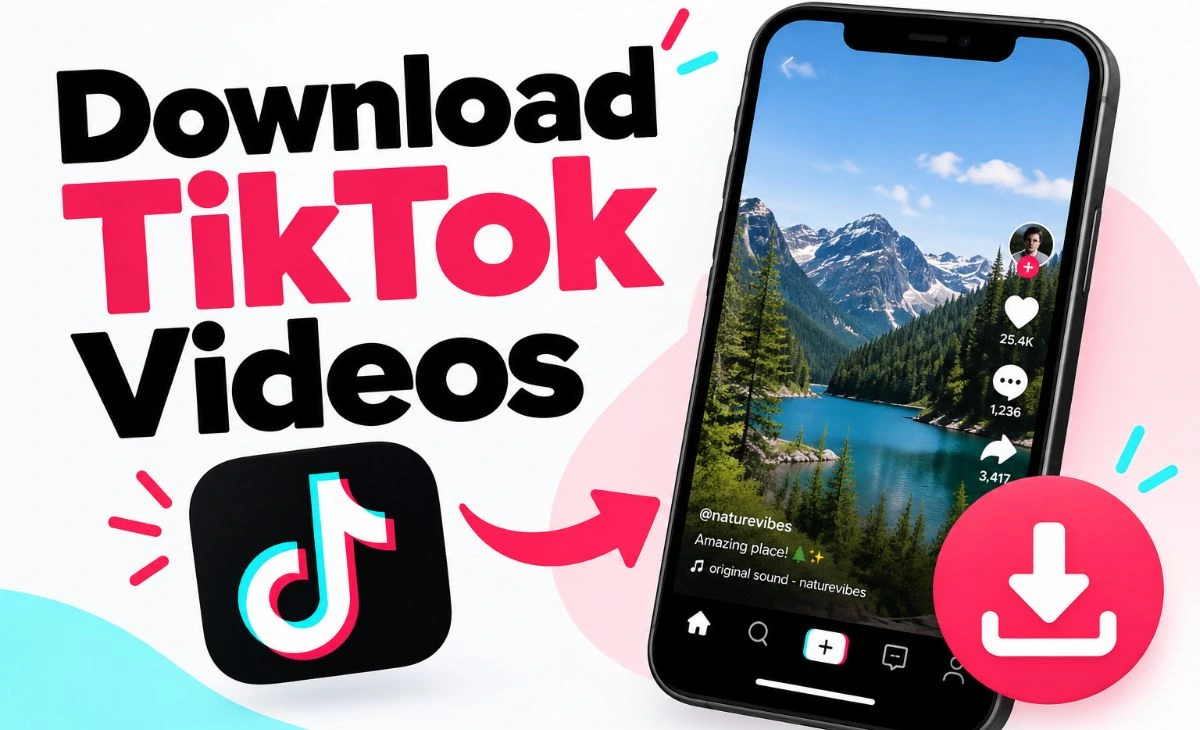
There are two common ways. First, TikTok shows a Save video option on many posts when the creator allows downloads. Second, you can copy the video’s link and paste it into a browser-based tool, such as the AllMediaTool TikTok downloader. The tool checks the link and offers a file when the public video is accessible and supported.
Neither method is guaranteed for every video. Creators can turn off downloads. Some posts are private. Sometimes a link just does not work. The sections below explain each case.
How to Download a TikTok Video
Here is the basic process. It works the same for most public videos.
Step 1: Find the TikTok Video
Open the TikTok app or the TikTok website. Go to the video you want to save. Make sure it is a public post.
Step 2: Copy the Video Link
Tap Share, then tap Copy link. On a computer, copy the address from your browser’s address bar instead. The link is the video’s web address, also called its URL.
Step 3: Open AllMediaTool
Open the TikTok downloader on AllMediaTool in any browser. You do not need to sign in to TikTok.
Step 4: Paste the TikTok URL
Click the input box and paste the link. Use the whole link. If you copied extra message text with it, remove that text first.
Step 5: Process and Download
Start the process. The tool looks for media it can access at that link. If it finds a file, a download option appears. Click it to save.
Visual idea: an original mockup showing the pasted link and the download button.
How to Download TikTok Videos Without an App
You do not need a separate app if you use a browser-based tool. The whole process happens on a web page.
Open your browser, paste the video link, and save the file. This works in Safari, Chrome, Firefox, and Edge. The only app you need is TikTok itself, and only to copy the link. On a computer, you can skip even that and use the TikTok website.
Be careful with free downloader sites in general. Some show many ads or ask you to install extra software. You do not need to install anything to save a public video, so close any prompt that asks you to. Check that the address bar shows the site you meant to visit.
How to Download TikTok Videos as MP4
MP4 is one of the most common video formats. It plays on most phones, computers, and TVs, and most video editors open it.
If you are searching for a way to download TikTok MP4 files, know this: the format you get depends on what the source provides. A tool can only offer what it can reach. So an MP4 is common, but it is not something any tool can promise for every link.
After saving, check the file name. If it ends in .mp4, you can play it almost anywhere. If you need a different format, you can convert it later with a separate app.
How to Download TikTok Videos in HD
Video quality starts with the original upload. If the creator uploaded a sharp video, the saved file can be sharp too. If the upload was small or low quality, no tool can make it better.
That is why “HD” and “1080p” are hard to promise. Some videos are available in higher resolution. Others are not. Whether a high quality download is offered depends on the source for that specific post.
Two tips can help:
- Watch the video on your phone before saving. If it looks blurry there, the file will likely look the same.
- Compare the saved file’s size with a similar video. A very small file is often lower quality.
How to Download TikTok Videos on a Phone
The steps are similar on Android and iPhone. You only need the TikTok app and a mobile browser.
On Android:
- Open the video in TikTok and tap Share, then Copy link.
- Open Chrome or another browser and go to the downloader.
- Paste the link and start the process.
- Save the file. It usually goes to your Downloads folder, and your gallery may pick it up soon after. If not, open your file manager and look in Downloads.
On iPhone:
- Copy the link in the TikTok app.
- Open Safari and go to the downloader.
- Paste the link, start the process, and tap the download option.
- Safari may ask where to save the file. The file usually appears in the Files app under Downloads. From there, you can open it and use the share menu to save it to Photos.
If nothing seems to happen on iPhone, check the download icon in Safari’s address bar. The file may already be there.
How to Download a TikTok Video from a Link
A link-based download follows four ideas: copy the link, paste the URL, let the tool check it, then download.
TikTok links come in two common forms. A long link shows the username and video number. A short link looks like vm.tiktok.com or vt.tiktok.com and points to the same video. Both can work, since the short link just redirects to the full one.
The tool does not need your TikTok password. It only works with the public link. If the video is public and its media can be reached, a download option may appear. If not, you will likely see an error.
Can You Download TikTok Videos Without a Watermark?
Sometimes, but it depends on the source. It is not something every tool can promise.
Here is the difference. TikTok’s own Save video button usually adds a watermark, which is the TikTok logo and creator name on the clip. A link-based tool does not draw or remove anything. It works with the file that the public source makes available. What you get can vary from post to post.
So a “no watermark” promise for every video is a red flag. Check the file you receive instead of counting on a certain result. AllMediaTool is meant to help with publicly accessible media, and results depend on what the source provides.
Also remember that the watermark shows who made the video. Cropping it out or hiding it before you repost may break the creator’s rights. See the copyright section below.
Why a TikTok Video May Not Download
When a download fails, it is usually one of these:
- The link is not valid. It may be cut off, or it may include extra text.
- The video is not public. Private posts are not open to everyone.
- The video was removed. A deleted post has nothing to fetch.
- The source does not offer a usable file. This can happen even with public videos.
- TikTok changed something. Small changes on the source side can break tools for a while.
- A short technical problem. Waiting a few minutes can help.
Try this routine. Open the link in a private or incognito window. If the video does not open without logging in, it is likely not public. If it opens, copy the link again from the Share menu and paste it fresh. Try once more later if it still fails.
Public vs. Private or Protected TikTok Content
Public content is open to anyone who has the link. Private or protected content is limited to certain people, such as approved followers, or is restricted by the creator or the platform.
AllMediaTool is intended only for publicly accessible content. It does not open private accounts and does not help get around logins or other protections. If a link fails because the video is not public, that is expected.
If you want a private video, the respectful option is to ask the creator to send it to you.
You can find more tools on the AllMediaTool homepage. Indonesian-speaking users can also use the Indonesian TikTok downloader.
Copyright and Responsible Use
Being able to view a video does not mean you can reuse it however you want. Creators usually keep the rights to their videos and to any music inside them.
Some good habits:
- Save videos for personal viewing, or when you have permission.
- Do not repost a video as your own.
- Ask the creator first if you want to share or reuse it, and give credit.
- Follow TikTok’s rules and the law where you live.
This is general information, not legal advice. If you plan to use a video for work or money, get permission in writing.
Frequently Asked Questions
Can I download TikTok videos?
Yes, for many public videos. You can use TikTok’s Save option if the creator allows it, or paste the video link into a browser-based tool.
How do I download a TikTok video?
Tap Share, copy the link, open a downloader like AllMediaTool, paste the link, and start the process. Save the file when the option appears.
Can I download TikTok videos without an app?
Yes. A browser-based tool works without installing anything. You just need the video link.
Can I download TikTok videos as MP4?
Often, but it depends on the source. MP4 is common, but no tool can promise it for every video.
Can I download TikTok videos in HD?
Sometimes. The available quality depends on the original upload, so HD or 1080p is not guaranteed.
Can I download TikTok videos on iPhone?
Yes. Copy the link in TikTok, use Safari to open the downloader, then find the file in the Files app. You can save it to Photos from there.
Can I download TikTok videos on Android?
Yes. Copy the link, paste it in your browser tool, and look for the file in your Downloads folder or gallery.
Can I download a TikTok video from a link?
Yes. Both long links and short links (vm.tiktok.com or vt.tiktok.com) can work when the video is public and supported.
Why is my TikTok download not working?
The link may be wrong, the video may be private or deleted, or the source may not offer a file. Copy the link again and test it in an incognito window.
Can I download a private TikTok video?
No. AllMediaTool is meant for public content only, and private videos may fail by design.
Final Thoughts
Saving a TikTok video is simple once you know the steps. Copy the link, paste it into a browser tool, and save the file if it is available. The result depends on the source, so formats, quality, and watermarks can differ from video to video.
If you want a quick option, try the AllMediaTool TikTok downloader with a public video link. Use what you save with care, and respect the people who made it.